Pre-save links are now part of the ReleaseFlow operations suite.
What syncs.
- Auto-generated pre-save smartlinks created by ReleaseFlow.
- User-created pre-save links created from the marketing tools.
- Public pre-save URL.
- Release title, artist, client and release date.
- Whether the link is active and whether it will auto-refresh on release day.
Why this matters.
The operations calendar can show which campaigns need link checks, ad setup, pitch follow-up and release-day out-now conversion. When a release date changes, the next sync updates the pre-save row with the new release date so the team does not work from stale dates.
Recommended checks.
- Confirm the pre-save URL opens correctly.
- Confirm only pre-save-capable stores are selected.
- Confirm the release date matches the release workflow.
- Confirm any release-day out-now automation is enabled where required.
- Confirm tracking integrations are configured before campaign launch.
Reference Views
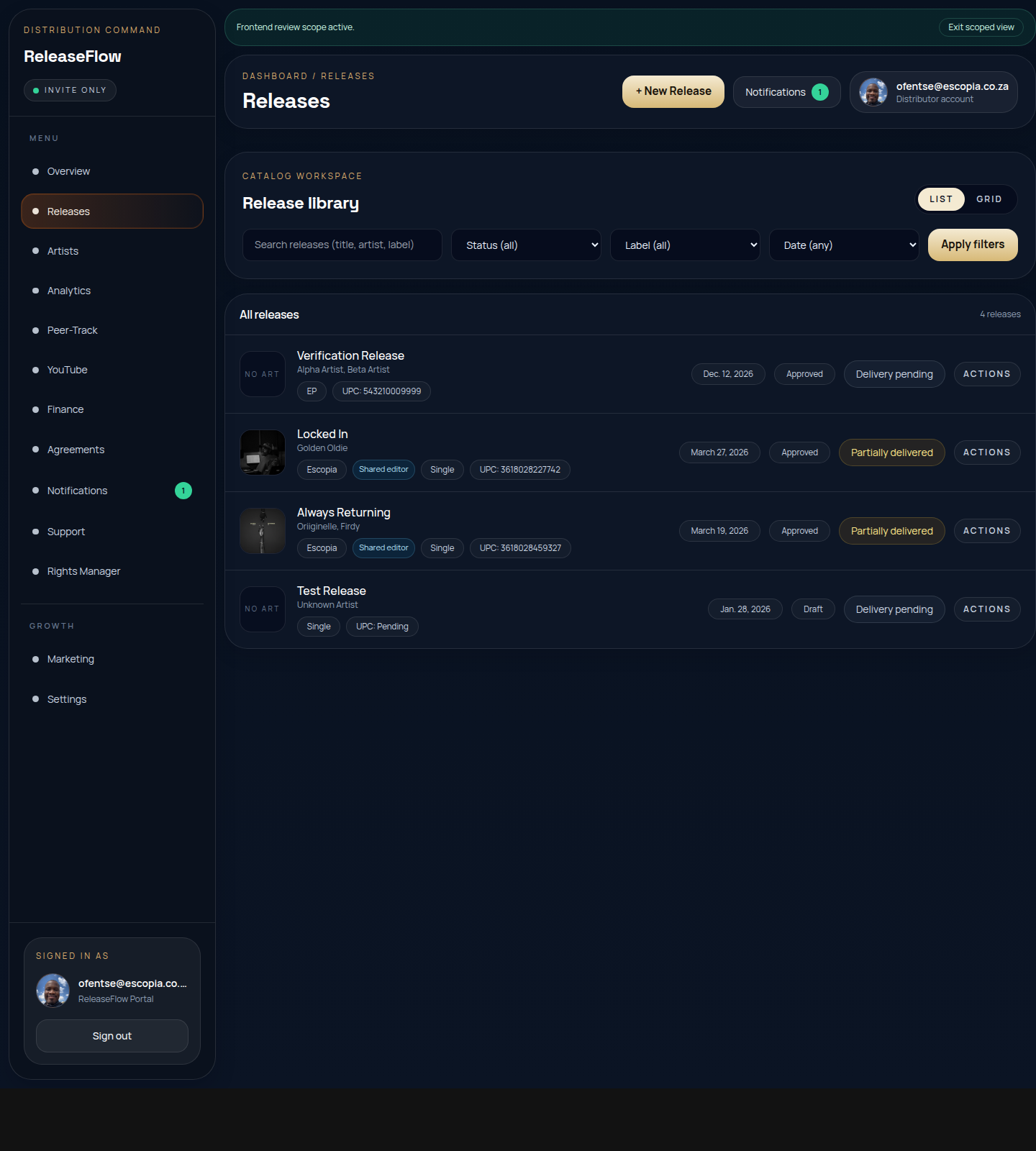
Use this as a visual guide until custom screenshots are uploaded from the backend for this article.
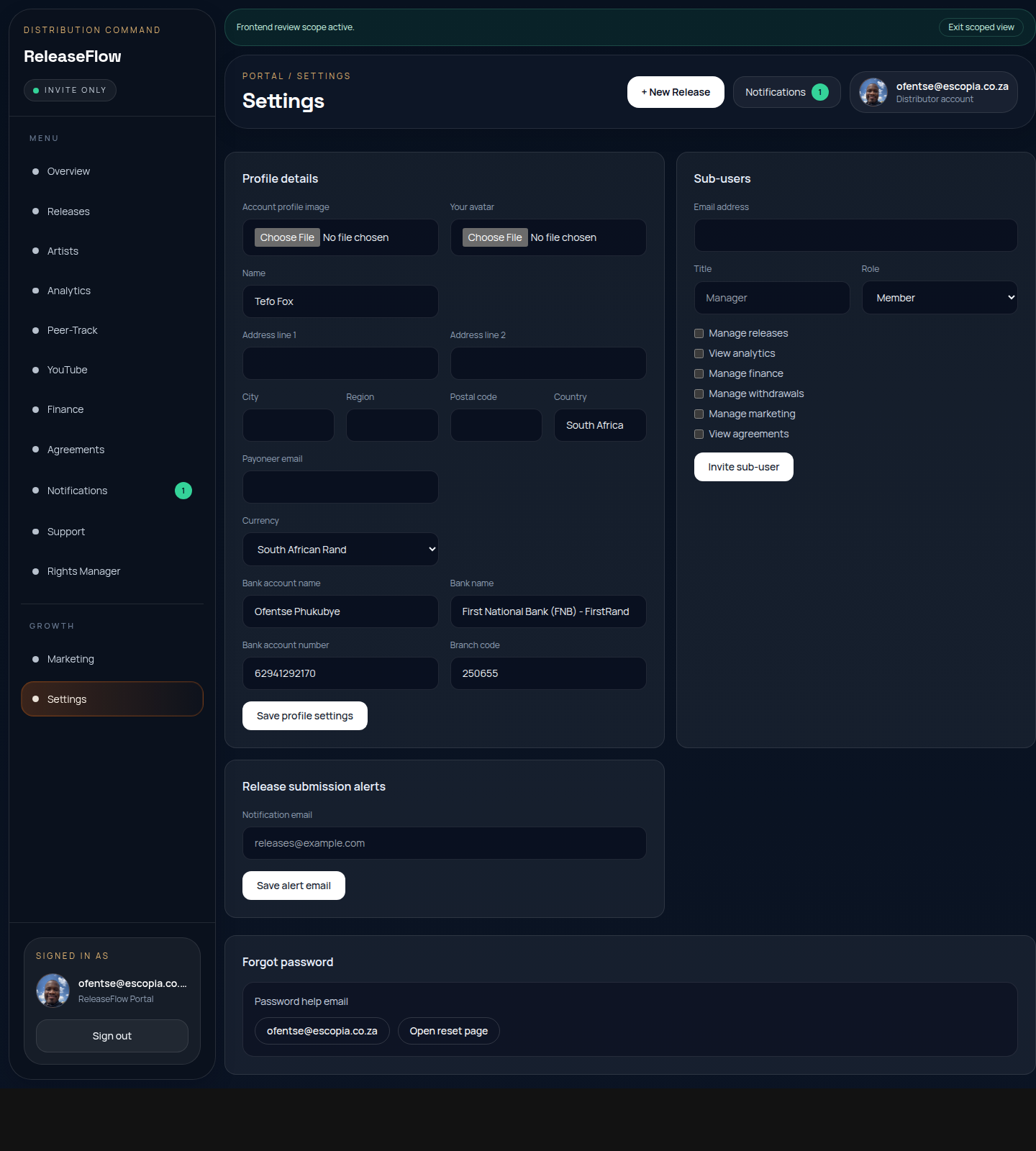
This shows the main navigation and action zones relevant to the guide you are reading.