A link-in-bio page can combine section headings, image cards, social links, release links, event links, videos, rewards, and custom buttons. Images can click through to a URL, while buttons can be placed above, below, or on top of the image.
Use a profile image, concise bio, and a small number of high-priority links at the top. Staff can adjust themes, colors, domains, and tracking settings from the backend.
Reference Views
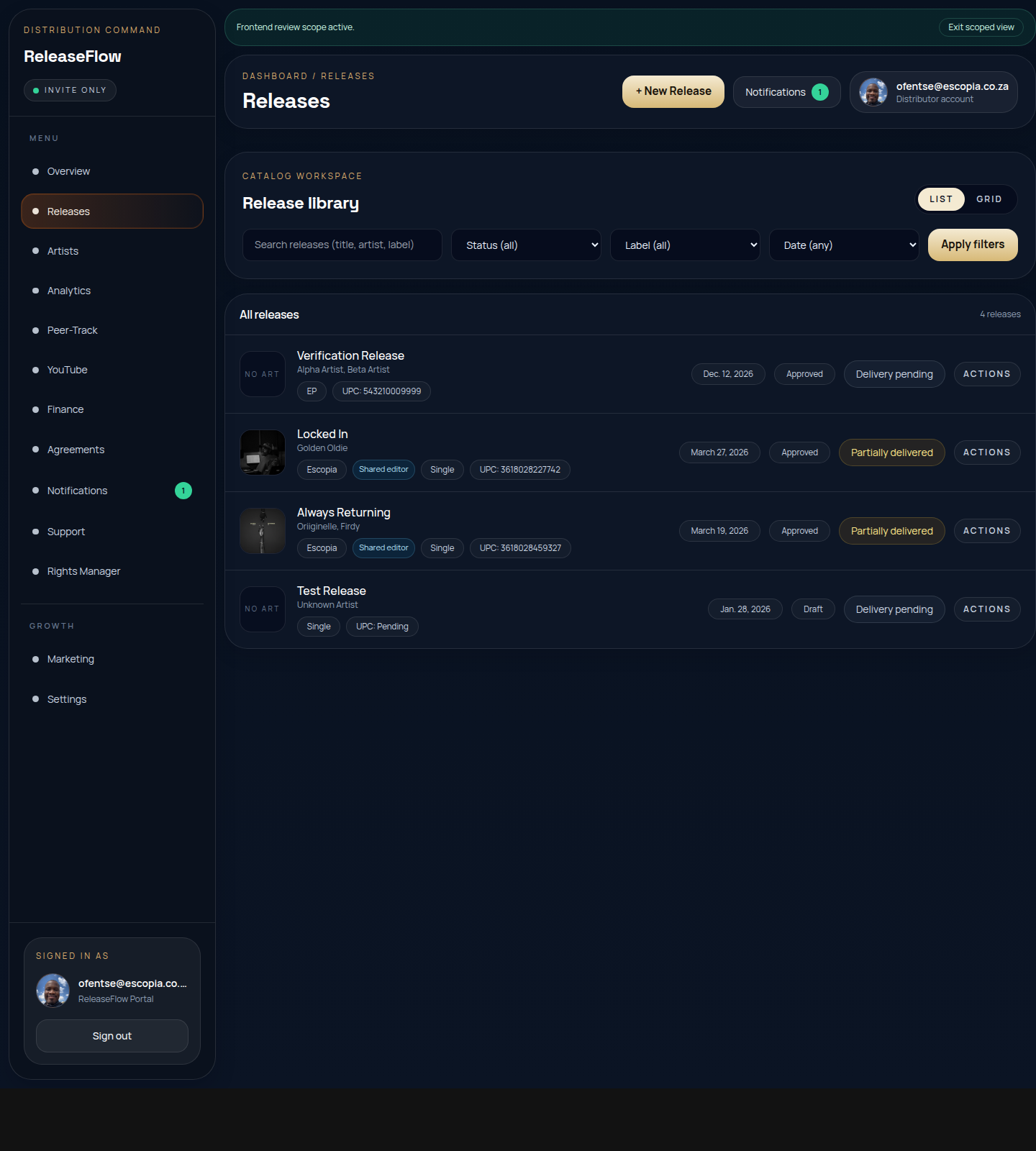
Use this as a visual guide until custom screenshots are uploaded from the backend for this article.
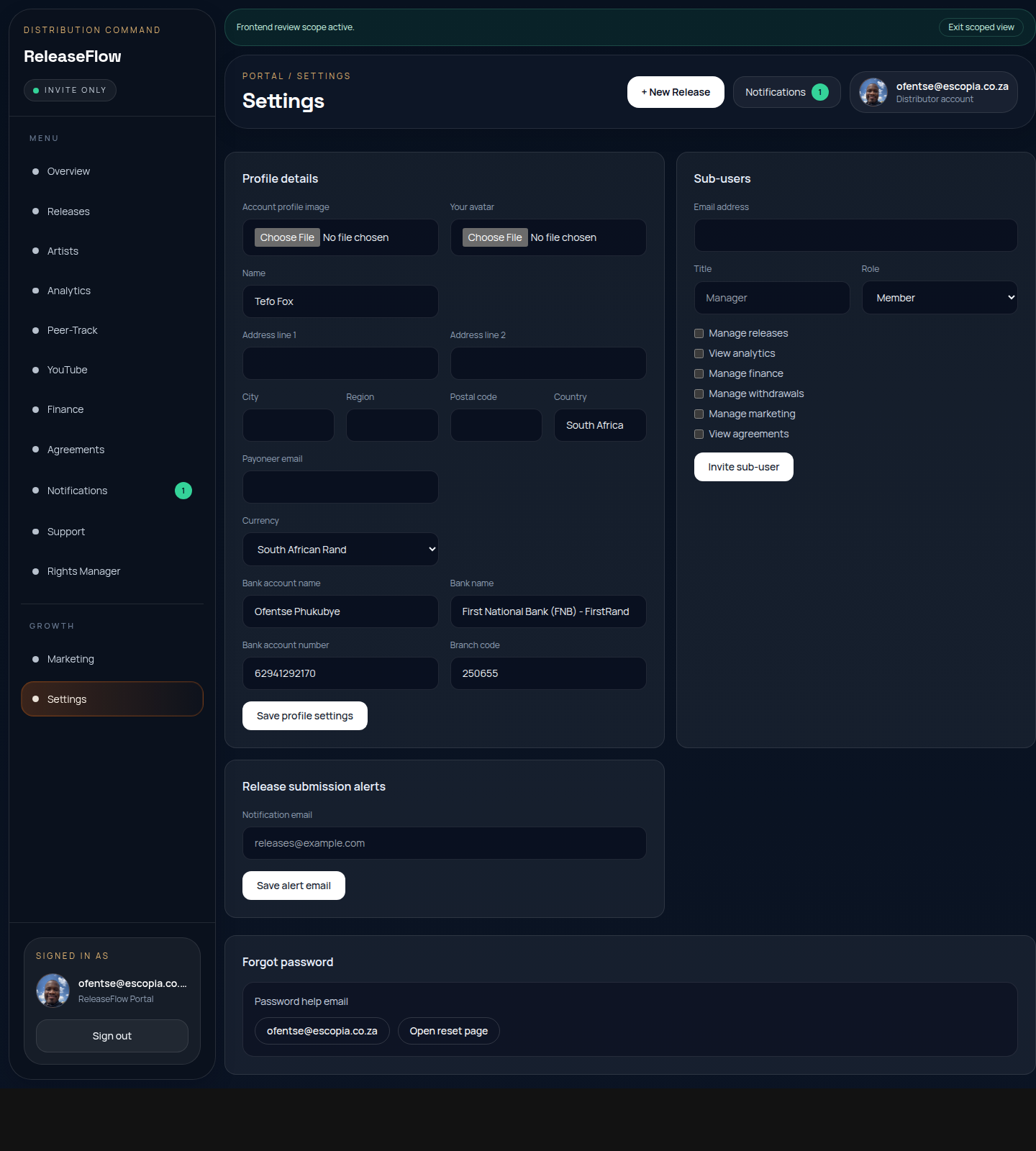
This shows the main navigation and action zones relevant to the guide you are reading.